Try it on your Autotask data before anything is written back
You can, if you hold back the writes. Current reads first, so connecting changes nothing in Autotask.
For the free trial: card up front. We email you the exact amount three days before the first charge, and you can cancel anytime during the trial.
What does Current add to Autotask?
Current is a CRM and project delivery platform that runs on top of Autotask instead of replacing it. It reads your Autotask companies, contracts, projects, tickets and time, then adds pipeline, dependency-aware scheduling, business reviews and dashboards, and writes the work your team does back to Autotask so billing keeps running there.
The PSA stays the system of record. It just stops being the place everyone has to live all day.
What syncs with Autotask
Autotask is the deepest of Current's PSA connections. Each row below is a record type, which way it moves, and who wins when both sides change it.
| Autotask record | Direction | What moves |
|---|---|---|
| Companies | DirectionTwo-way | What movesPulled into Current. With CRM write mode on, edits to a linked company go back to Autotask; the company name stays Autotask's. |
| Contacts | DirectionTwo-way | What movesPulled into Current. New contacts you add in Current are created in Autotask. |
| Company notes | DirectionTwo-way | What movesNotes from Autotask show in a company's activity, and notes written in Current reach Autotask. |
| Opportunities | DirectionTwo-way | What movesAutotask opportunities land in your Current pipeline, and stage moves go both ways once stages are mapped. |
| Projects, phases and tasks | DirectionTwo-way | What movesAutotask owns name, status, progress and hours. Current owns task start and end dates, critical path and milestone flags, and project health. |
| Tickets | DirectionTwo-way | What movesProject tickets sync both ways; company ticket history is read for account insight and reviews. |
| Time entries | DirectionTwo-way | What movesTime logged in Current is written to Autotask for billing and read back to confirm it; time logged in Autotask is read in. |
| Contracts and contract services | DirectionRead into Current | What movesFeed monthly recurring revenue, seat counts, customer status and profitability. The one write is a contract service line's units or price, when a workspace admin changes it from Current. |
| Billing items | DirectionRead into Current | What movesSplit project and one-time revenue from recurring revenue in account profitability. Never written. |
| Survey ratings (CSAT) | DirectionRead into Current | What movesAutotask's own survey scores feed company health and business reviews. A tenant admin can turn this off. |
| Resources and cost rates | DirectionRead into Current | What movesYour staff list, matched to Current users by email, and the cost rates behind margin. |
| Holidays and time off | DirectionRead into Current | What movesThe scheduler skips holidays and approved time off when it plans work. |
| Project and ticket charges | DirectionWritten to Autotask | What movesA won quote converted in Current pushes its one-time charges to Autotask. |
What Autotask stays in charge of
Autotask stays the source of truth for tickets, time and billing. Current works on top of it and never replaces it.
Connect Autotask in 5 steps
A tenant admin connects Autotask once, from Settings, Integrations. These are the steps on the Autotask side and in Current.
Step 1: Create a dedicated API user
In Autotask, go to Admin, Resources (Users), then New, New API User, and give it the API User (API-only) security level. Use a dedicated user, not a person's login, so Current's calls show separately in Autotask's API usage reporting.
Step 2: Set a custom tracking identifier
Under API Tracking Identifier, choose Custom (Internal Integration), name it Current, and copy the identifier Autotask shows, along with the API username and secret.
Step 3: Grant the permissions
Give the API user read access to everything Current pulls (projects, phases, tasks, tickets, time entries, resources, companies, contacts, contracts, opportunities and quotes), add and edit on what you want Current to write, read on entity metadata so picklists resolve, and View on internal cost data.
Step 4: Match your people by email
Every person who will use Current needs an active Autotask resource whose email matches their Current sign-in email. That link is what lets them log time to Autotask.
Step 5: Connect in Current and start the first pull
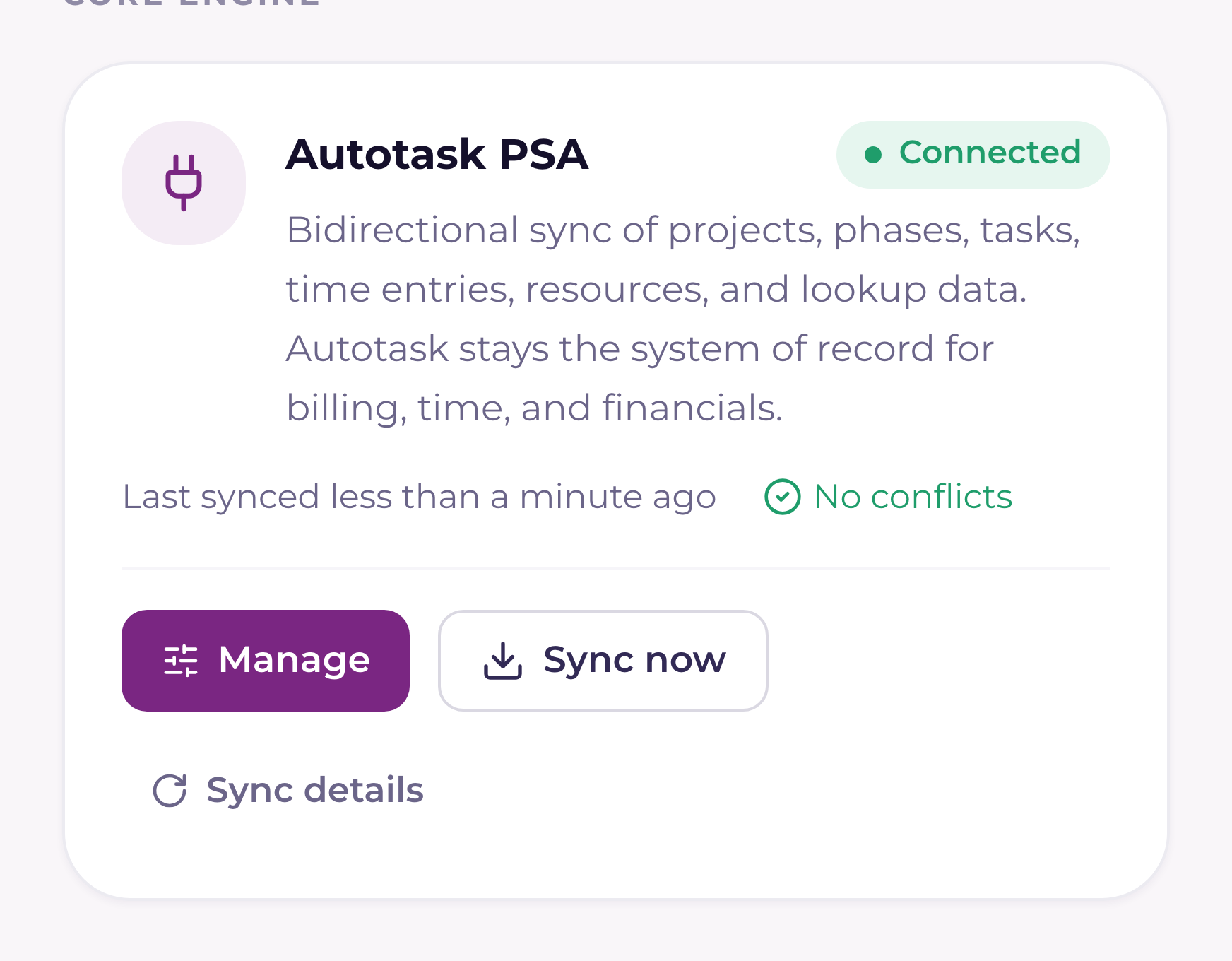
Open Settings, Integrations, Autotask, paste the username, secret and tracking identifier, and run the test. Leave the zone URL blank: Current finds your Autotask zone from the username. Then start the first pull.
Connect Autotask in your trial
For the free trial: card up front. We email you the exact amount three days before the first charge, and you can cancel anytime during the trial.
What you get on day one with your Autotask data
Start a trial, connect Autotask, and these modules fill from the records it already holds. Every module is included in the seat: one module or all of them, same price.
Sell
CRM + pipeline, Whitespace, Campaigns + sequences, Commissions
Deliver
Projects, Roadmaps, Time + timesheets
Support
Client portal
Run the business
Billing + finance
Grow accounts
QBR + SBR, Customer success, Dashboards, Reporting
The Service Desk and Dispatch are in Beta and switched on for a workspace by Current's team on request.
Quoting tools that work with Autotask
Won quotes from these tools land in Current's Won quotes list, and a wizard turns each one into an Autotask project with its charges.
- ScalePad Quoter: A won quote becomes a project, its one-time charges go to Autotask and the opportunity moves stage.
- Kaseya Quote Manager: Works with Autotask workspaces only. The sales order, payments, purchase orders and delivery details come with each won quote.
Limits of the Autotask connection
What to know before you connect.
- A passing connection test proves the credentials, not every permission. A missing permission shows up at the first sync, on Sync health, sometimes as an empty area rather than an error.
- A denied Resources read leaves the connection green while nobody gets linked, and an unlinked person cannot log time to Autotask.
- A first pull of a large Autotask book takes a few hours. It resumes by itself if it is interrupted.
- The critical path and milestone flags stay in Current. Finish-to-start task links inside one project sync with Autotask. Other link types, and links across projects, stay in Current.
The questions MSPs ask first.
Does Current replace Autotask?+−
No. Current is not a PSA. Autotask keeps tickets, contracts, time approval and billing, and Current adds the CRM, dependency-aware project scheduling, business reviews and dashboards on top, with a two-way sync between the two.
Does Current write to Autotask billing?+−
Current never creates, edits or voids an invoice. It writes time entries, the one-time charges of a won quote you convert, and, only when a workspace admin changes it from Current, a contract service line's units or price.
What do I need to connect Autotask?+−
A dedicated Autotask API user with the API User (API-only) security level, a custom tracking identifier, read access to the entities Current pulls, add and edit access to the ones you want it to write, and an active Autotask resource for each person whose email matches their Current sign-in.
How often does Current sync with Autotask?+−
Every 5 minutes, on a fixed schedule. Writes you make in Current go out as they happen. Heavier lists, such as contracts, refresh on their own slower schedules.
How long does the first Autotask sync take?+−
It depends on the size of your book. A large Autotask book takes a few hours for the first pull, and the sync resumes by itself if it is interrupted. After that, changes arrive within one 5-minute cycle.
Can Current turn a won quote into an Autotask project?+−
Yes. Won quotes from ScalePad Quoter and Kaseya Quote Manager land in Current's Won quotes list, and a wizard builds the Autotask project, pushes its one-time charges and moves the opportunity stage.
Can I run critical path scheduling on Autotask projects?+−
Yes, in Current. On a synced Autotask project Current owns the task start and end dates, the critical path and the milestone flags, and Autotask keeps the name, status, progress and hours. Task links inside one project are read from Autotask, and with two-way sync on, a finish-to-start link you add in Current is written to Autotask, and removing it in Current removes it there. The critical path and milestone flags stay in Current.
Can I try Current on my Autotask data before anything is written back?+−
Yes, if you hold back the writes. CRM write mode starts at Off, so company, contact and opportunity changes stay in Current, and Test mode writes only to companies named ZZ-Current Test. Changes to Autotask projects and tasks go out while two-way sync is on, which you can turn off under Settings, Integrations. A new project is created in Autotask unless you pick Current-only, and time logged on an Autotask project or ticket goes to Autotask for billing, so keep evaluation work on Current-only projects.
See Current on a real book of business.
The demo walks through the pipeline, the dependency engine, the AI briefs, and how time flows straight into your PSA billing.