The customer portal: answer "any update?" before they ask
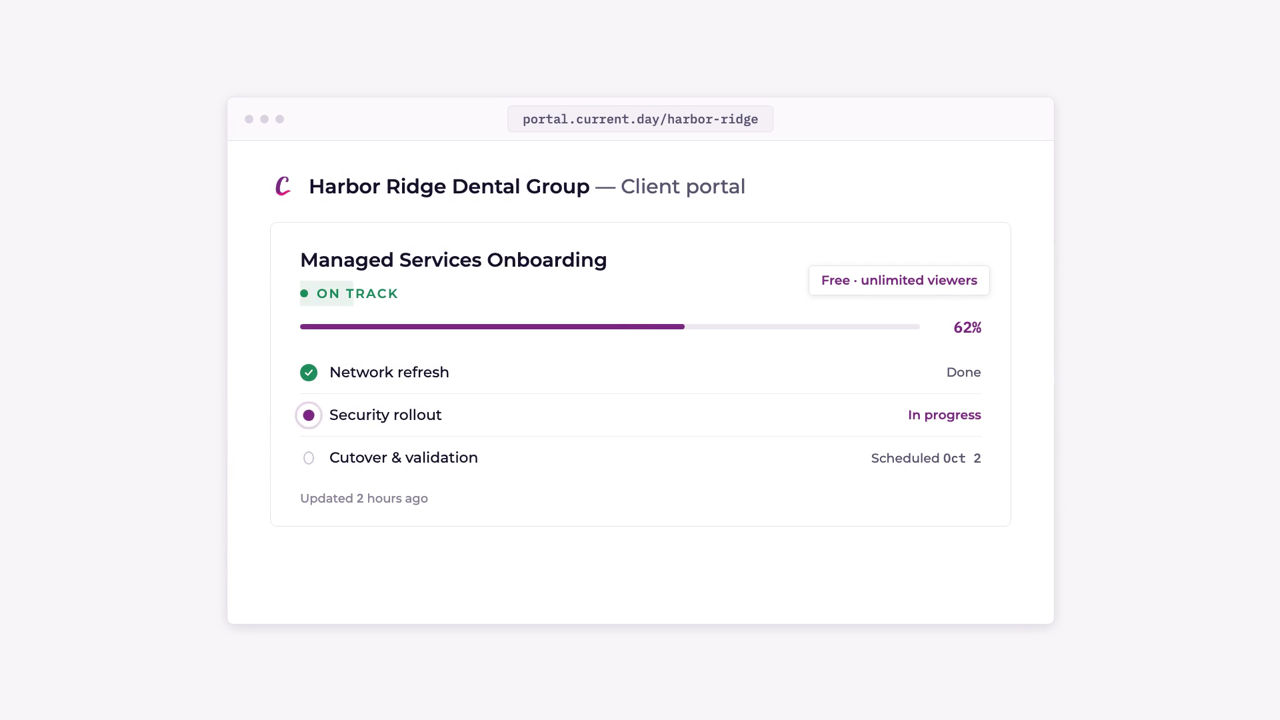
Your customer signs in to a portal with your name on top. Every project you've shared sits in one place, with its progress, the work plan and a thread with your team. Project plans are read only, so nobody moves your schedule. Their IT admin can manage their own people, everyone else sees only what they've been given, and costs and internal notes stay on your side. You turn it on one company at a time, then preview it as any person there.
This film covers Project management. That page has the detail behind it, with screenshots and how the PSA sync works.
Full transcript
Hi, any update? Your customers ask it on every project. So answer it before they ask. Your customer signs in to a portal with your name on top. Every project you've shared with them sits in one place. Open one, and they see where it stands. Forty percent done, across thirteen tasks and two milestones.
The whole plan sits underneath, and it moves as your team finishes tasks. It's read only, so nobody moves your schedule. Still got a question? They ask it there. Your team shares the answer in the same thread. No email chain. Let their IT admin manage their own people. Everyone else sees only what they've been given.
Costs and internal notes stay on your side. Same answer on a phone. You turn it on, one company at a time. Then preview it as any person there. Hi, any update? It's already there. The customer portal, in Current.
Keep watching
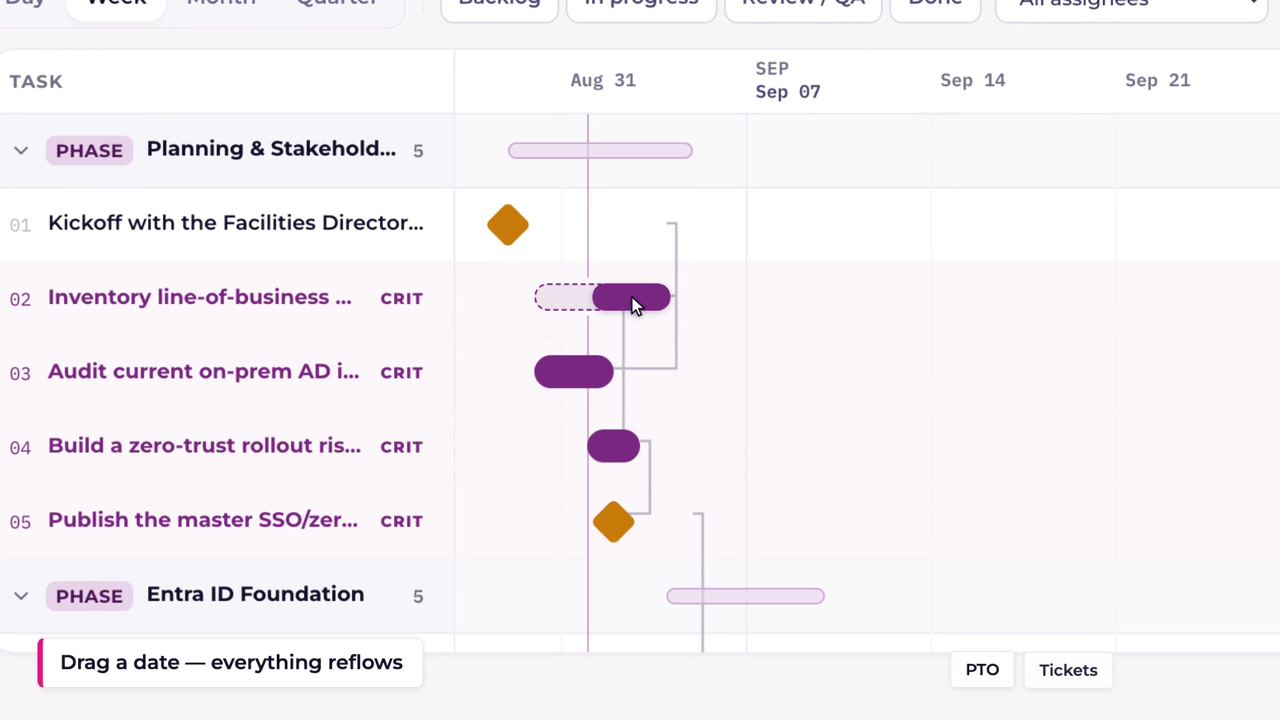
MSP projects that don't start behind
Dependency-aware scheduling for MSP work: drag one date and the whole plan reflows around your team's real availability, with a true critical path, PTO-aware timelines and every change pushed back to your PSA.
Won the quote? AI builds the project.
AI reads a won quote line by line and builds the whole project plan from it, phases, tasks and dependencies included, then pushes it into Autotask, ConnectWise, HaloPSA or Syncro as a real project.
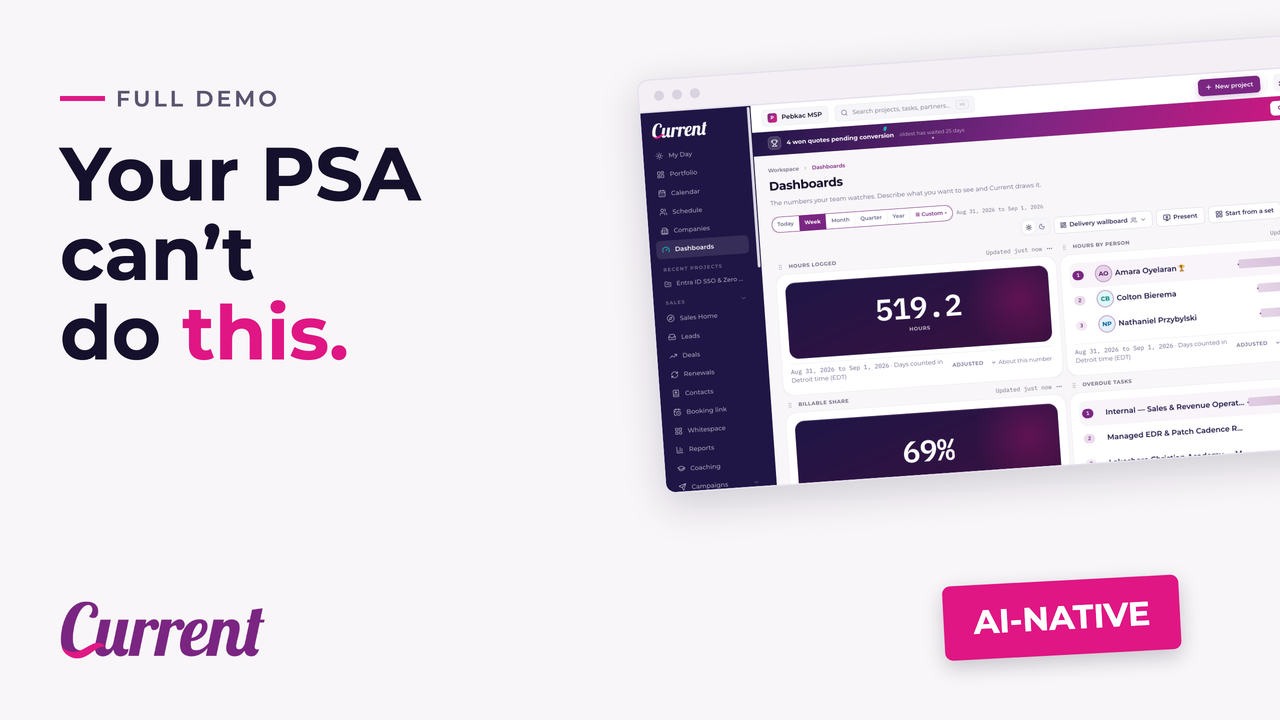
Current in 106 seconds
The full tour: AI reads a won quote and builds the project plan, scheduling reflows around your team's real availability, time entries sync to your PSA, AI builds dashboards from a description, and Whitespace surfaces what customers ask about but never bought.