
Put a contact on an opportunity
Every new opportunity can be tied to the person it is for. Pick them in the Contact field when you create the opportunity, or start the opportunity from their contact page so they are already chosen.
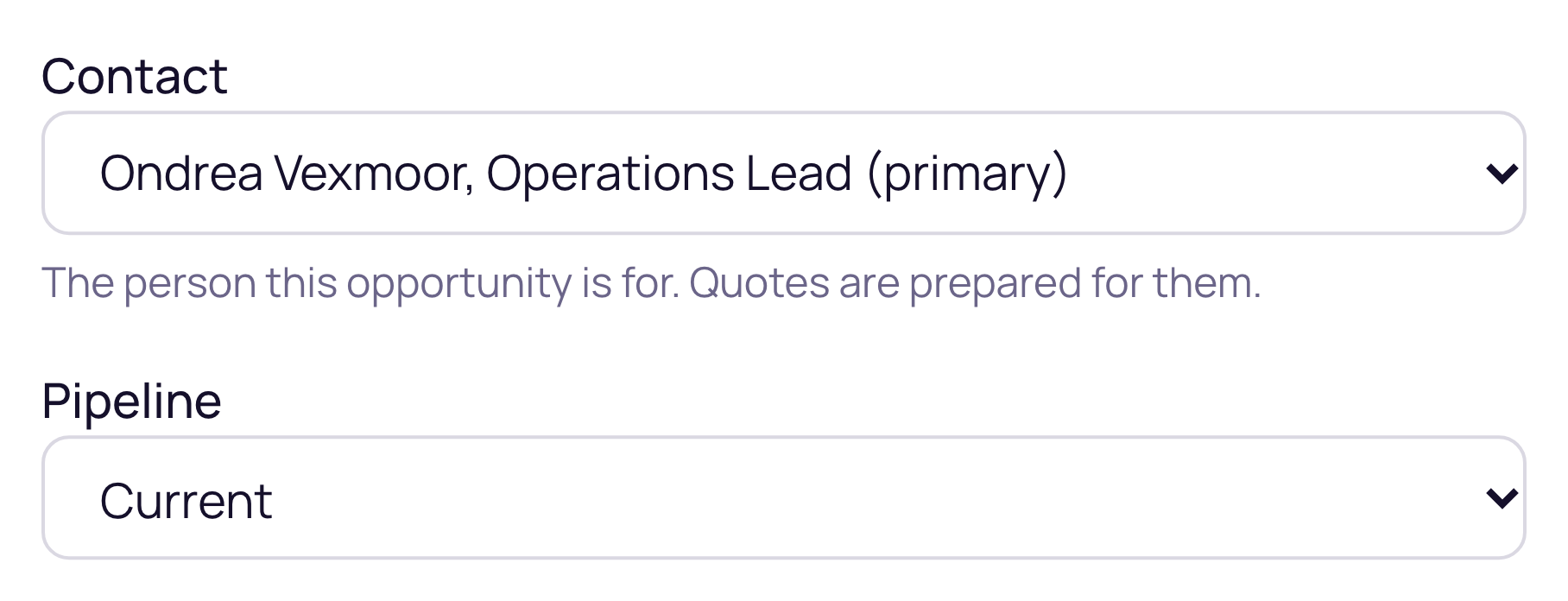
Pick the contact when you create an opportunity
Every window that creates an opportunity has a Contact field once a company is picked: Start an opportunity on a company record, the expansion and whitespace windows, converting a lead, and the board's New opportunity window on Sales, Opportunities, where it is called Quote contact.
- +The list holds the company's active contacts, primary contact first.
- +It starts on the primary contact, or on the only contact when the company has one. Choose No contact to leave it empty.
- +Converting a lead starts on the lead's own contact when that person belongs to the company.
- +Pick another company and the choice starts over, so a contact never carries over to the wrong company.
Start from a contact
Open a person's contact page and press New opportunity, or choose New opportunity from a row's menu on the Contacts list. The company is filled in and locked to theirs, and they are already chosen as the contact. You can also ask Ask Current, for example "new opportunity for Contoso with Bob", and the draft card carries the person you named.
Where the contact goes
- +Quotes for the opportunity are prepared for that person.
- +The opportunity's drawer shows them as its quote contact, where you can change them later.
- +Autotask and ConnectWise get them as the opportunity's contact. Only a contact of the opportunity's own company is ever sent.
- +HaloPSA and Syncro opportunities carry no contact from Current, so in those workspaces the choice stays on the opportunity in Current.