
Connect Autotask and choose what syncs
How to connect Autotask to Current as your PSA: API user setup, zone discovery, the 5-minute poll, the one-PSA rule, and the field-ownership map.
On this page · 5 sections
Autotask is one of Current's six PSAs (alongside ConnectWise, HaloPSA, Syncro, Rev.io and SuperOps): a durable, two-way sync that keeps Autotask the source of truth for time and billing while Current owns scheduling and the views your team lives in.
Before you start
- An Autotask API user (not a regular login) with access to Projects, Tasks, Tickets, Resources, and Time Entries.
- Tenant Admin role in Current. Integrations are an admin-only action.
- Optional but recommended: sandbox credentials for a dry run.
Connect
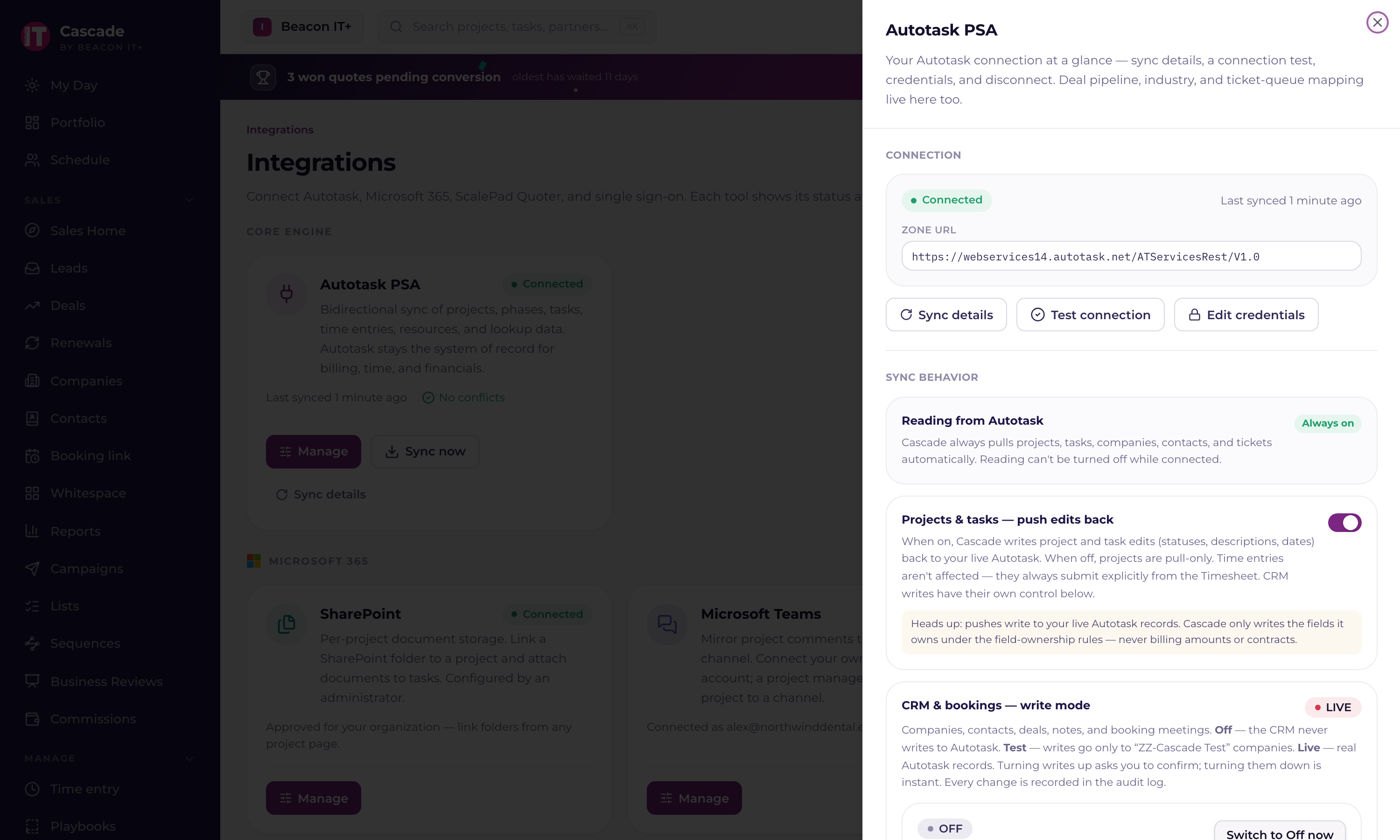
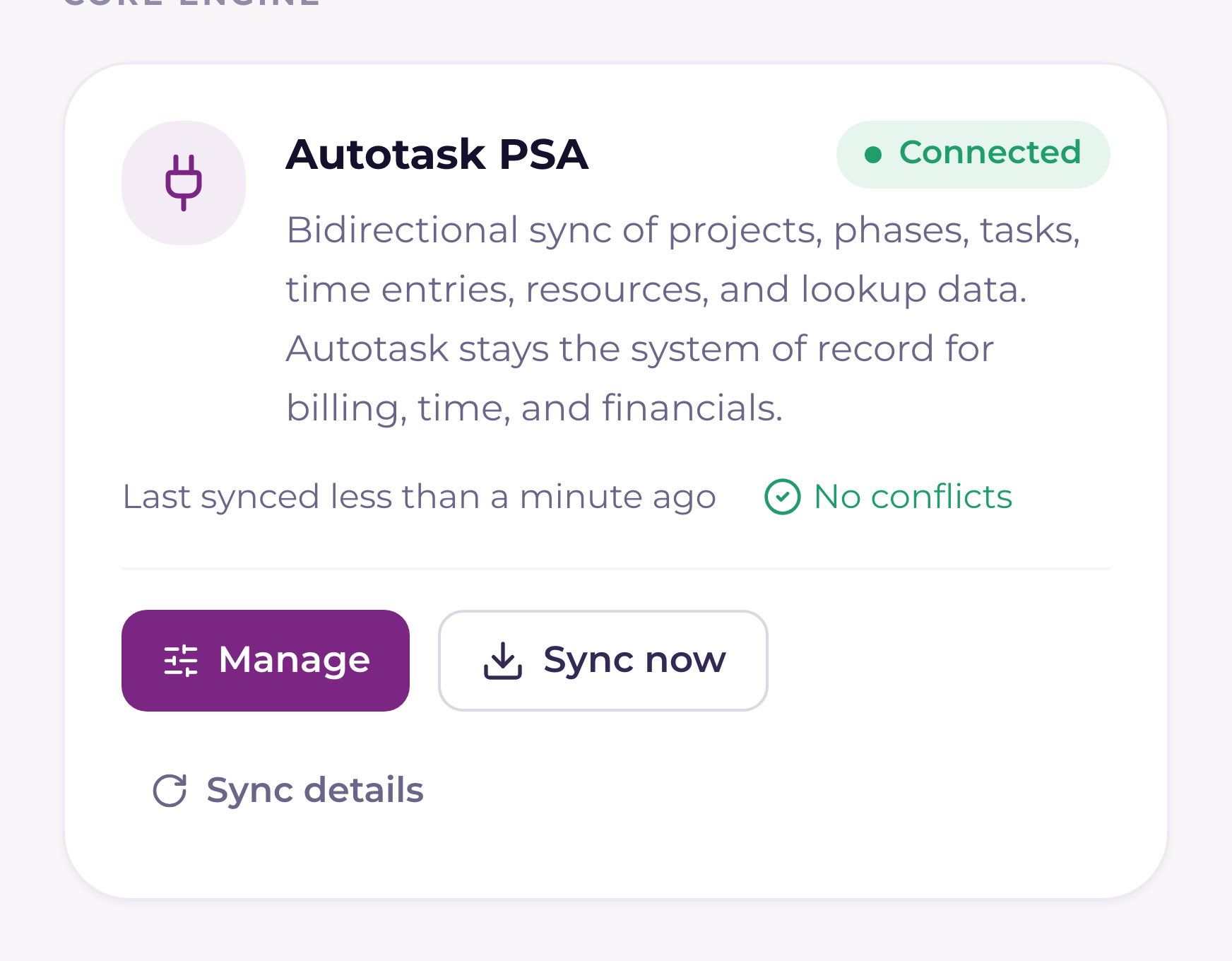
- 1Open Settings › Integrations and press the Autotask rowThe Autotask drawer opens with its card. Press Manage on it. Only Tenant Admins can connect or change the credentials; anyone else who opens it sees a short summary.
- 2Enter the API user's credentialsAPI user (username), API secret, and the tracking / integration code. Current discovers your Autotask zone automatically from the username, so leave the optional API zone URL box blank unless support asks you to override it.
- 3Run the test connectionCurrent validates the credentials against Autotask before storing them. Secrets are encrypted at rest and never sent to the browser again.
- 4Start the initial pullCompanies, contacts, projects, phases, tasks, tickets, resources, and time entries come across. Large books take a few hours; the sync resumes automatically if interrupted. After that, Current checks Autotask for changes every 5 minutes on a fixed schedule. There is no interval to set. Each workspace syncs in its own worker with its own time budget, so another workspace's heavy sync never slows yours down.
Who owns which field
The field-ownership map prevents the two systems from fighting. Current never overwrites an Autotask-owned field on push, and Autotask pulls never clobber a Current-owned field.
| Autotask owns | Current owns |
|---|---|
| Project & task name, status, progress | Task start and end dates |
| Hours worked, billing codes, contracts | Critical-path and milestone flags |
| Time-entry approval status | Project health (Current Score) |
How the sync works under the hood
- Polling every 5 minutes (Current does not use Autotask webhooks), so changes land within one poll cycle. Heavier lists, like contracts, refresh on their own slower schedules.
- A durable job queue: every sync is a job that retries with backoff (up to 5 attempts) and dead-letters if it keeps failing, so nothing is silently lost.
- Idempotent writes: running the same job twice never creates duplicates.
- Outbound writes are confirmed by read-back, after pushing a time entry, Current reads it back from Autotask to confirm the approval status.
Reading the Sync health page
The Per-entity table shows one row per record type with a colored status. Synced (green) means it's fully caught up. Catching up (blue) means the sync is mid-walk and making progress under the sync watchdog's coverage. It synced what it could inside this cycle's time and request budget and continues on the next one, which is completely normal for a large book. That same in-progress row turns amber when the watchdog flags it: no forward progress for about 2 hours, or falling behind its expected refresh window (as soon as an hour for core project data; longer for slower-moving record types). A few low-stakes record types (like holidays and time off) sit outside watchdog coverage, so an in-progress cycle there shows plain amber Partial rather than blue. Amber means it's worth a look, not that anything is broken. Red is a genuine failure. The note under a status always spells out exactly what happened.
Contracts occupy three rows because three separate pulls feed them: Contract names is the list the time-entry contract picker offers, Contracts is the mirror of your Autotask contracts that drives coverage and monthly revenue, and Contract services is the service lines on each recurring contract. They run on their own schedules, so one can be catching up while the others are green.
At the top of the page, an all-systems summary chip gives you the one-glance answer. It reads All systems green when every record type is healthy (and tells you how many are still catching up, if any); amber when something needs attention (a warning-level alert, a record type behind, or a partial the watchdog has flagged); red when there's a real issue (a failed job, a lost connection, or a sync that's stalled); and a grey Checking… while it's still loading the facts. It never shows green until it's sure. If anything is still unknown, it stays grey rather than claim everything's fine.
You'll also hear about a failing integration by email. Once a day, in plain English, and only after it has been failing for a full day. One message covers every connected tool (your PSA and the RMM, backup, and security integrations alike), names what is wrong (for example, that the API username and password were rejected), and what to do about it, and goes to the workspace's admins. The bell and this page still update the moment something changes; the daily email is the nudge for anything nobody has looked at. Each admin can turn it off with the Sync attention switch under Notifications.