
NeverBounce: verify email deliverability before you send
Sending to a stale list is how a good sending domain goes bad. Bounce enough addresses and mailbox providers stop trusting you — and the campaigns that used to land start going to junk for everyone, including the partners who wanted to hear from you. NeverBounce checks each address before you send. Current brings your own NeverBounce account into the CRM so that verification happens where the sending happens, applies the results automatically, and — just as importantly — refuses to waste your credits.
Connect your NeverBounce account
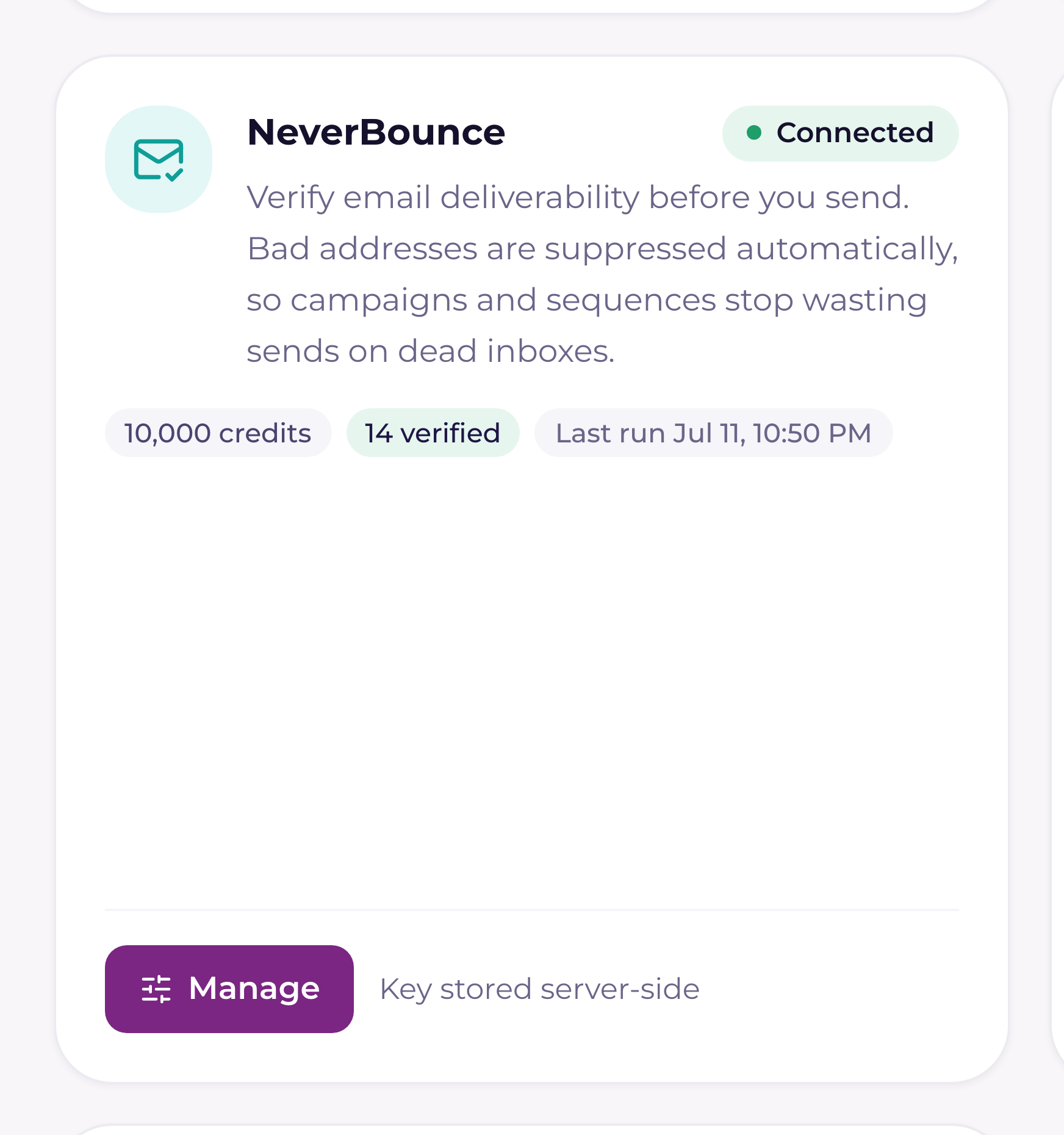
This is a bring-your-own-key integration: the credits are yours, the account is yours, and the bill is yours. A Tenant Admin connects it — the Integrations page is where the key lives, and only a Tenant Admin gets that link in the sidebar. Once it's on, everyone with CRM access uses verification everywhere it appears, and sees the connection status if they reach the Integrations page.
- 1Copy your API keyIn NeverBounce, open Account → API and copy the API key. The Manage drawer links straight to NeverBounce's "Where do I find my key?" docs if you get lost.
- 2Paste it into CurrentIn the left sidebar, open Integrations (under the Workspace section — Tenant Admins only) → NeverBounce → Manage, paste the key, and press Connect. Current validates it live against your NeverBounce account before storing anything. The field is write-only — the key is kept server-side and never shown back. If someone without admin rights reaches the drawer, they just see "The NeverBounce connection is managed by a Tenant Admin."
- 3Check the connection cardOnce connected, the drawer shows credits remaining, how many addresses you've verified through Current, and when the last verification run happened.
The 6-month cooldown — why a re-verify usually costs nothing
Current verifies any given address at most once every 180 days. Run a campaign to the same list three times in a quarter and you pay for the addresses once, not three times. Anything whose last result is still fresh is skipped automatically — you only spend a credit when an address has never been checked, or its result is older than six months.
That's why every verification screen shows you an estimate first, and the estimate spends nothing: how many addresses need verification, how many are being skipped as still fresh, how many credits you have available, and how many credits the run will use. Nothing is sent to NeverBounce until you press the Verify button.
Where you can verify
| Scope | Where to start it |
|---|---|
| A contact list | Sales → Lists → open the list. The Email health strip across the top breaks the list into Valid, Accepts all, Unknown, Needs attention, Stale (> 6 months), and Never verified — with an Enrich list button that opens the estimate The whole list is read before the estimate, however long it is: a 4,000-contact list is estimated and verified as 4,000, in NeverBounce jobs of up to 5,000 addresses each. |
| A campaign audience | The campaign wizard's Verify button — green Verified when the list is checked, amber Verify recommended when too much of it is stale or unchecked, neutral Verify otherwise. It opens a pre-send report of every address and its verdict (valid, accepts-all, unknown, flagged) with suggested corrections, filter chips, and search — large audiences show the first 2,000 rows with the full count |
| A sequence audience | The same audience summary appears on a sequence before you enrol anyone |
| A single contact | Partners → Contacts → click the verification badge next to an address. The dialog shows the status and a Re-verify button — greyed out, with the next eligible date, while that address is still inside its cooldown |
Small runs (ten addresses or fewer) are checked on the spot and applied in seconds. Anything larger becomes a bulk job at NeverBounce, split into chunks of up to 5,000 addresses, and Current checks NeverBounce for results every minute and applies them as they come back. NeverBounce itself usually needs 2–5 minutes for a small file, and the panel can't show a percentage until it reports progress, so a quiet bar in the first few minutes is normal. You can close the screen — the work continues.
What Current does with each result
| Verification result | What Current does |
|---|---|
| Valid | Marked deliverable. Nothing else changes |
| Invalid (shown as "Bad email") | Added to your suppression list, so every campaign and sequence skips it. If there is no suggested correction to try, an active contact on that address is also deactivated — and a note goes on the company timeline |
| Disposable | Suppressed. The contact stays active — a throwaway address isn't proof the person is gone |
| Catch-all (shown as "Accepts all") | Stays sendable. The mail server accepts every address, so nobody can confirm this one specifically. Usually safe |
| Unknown | Stays sendable. No clear answer came back — a little riskier, and it's your call per send |
The Fix-it queue: cleaning up the bad addresses
Verification tells you what's broken; the Fix-it queue is where you actually fix it. Open a list and go to the Needs attention tab. It lists the still-active contacts whose last verdict was invalid or disposable, with two moves each:
- 1Apply fix & re-verifyMost bad addresses are typos, and NeverBounce usually suggests the correction ("alex@nrothwind.com" → "alex@northwind.com"). The suggestion is prefilled. Current verifies the NEW address first. If it comes back undeliverable (invalid), it is refused and the contact is left as-is — a proven-bad address never replaces the old one. Any other verdict (valid, accepts-all, unknown) is written to the contact. The old address stays suppressed, which is correct: only the person moved.
- 2Mark as deadFor an address with no good fix. The contact is deactivated, a note goes on the timeline so the next person knows why, and (for a PSA-synced contact) the change syncs to your PSA.
On a static list, contacts you already marked dead appear underneath the flagged rows with a Reactivate button — restoring one keeps the suppression deliberately in place, because reactivating the person doesn't un-break the address that was bouncing. Verify a corrected address to bring them back into sending. A static list also gets a "Remove N bad emails" button, which drops those members from the list only; they stay blocked from every send either way.
The pre-send guard, and what to do when things go wrong
Once NeverBounce is connected, Current will not let you quietly send a campaign into a fog. If half or more of the audience is stale (last checked over six months ago) or never verified, the send is refused and the campaign is left untouched — you get a choice of Verify first (recommended) or Send anyway; Send anyway re-queues the campaign with the warning acknowledged. Tenants without NeverBounce connected are never nagged about this.
- +Out of credits: Current says so in the words NeverBounce gave it, and nothing is spent. Top up in your NeverBounce dashboard and run it again — the estimate will already have excluded everything still fresh. (Accounts with auto-renew top up silently and never see this.)
- +A job that seems stuck: while a bulk job is at NeverBounce the panel asks for its progress every few seconds and shows how many addresses are checked and how many are left; results are then applied in pages, and the bar keeps moving as they land. A background check also runs every minute in case the panel is closed. If a job's outcome was never confirmed, Current searches NeverBounce for the unique filename it minted for that job rather than re-creating it, so a dropped connection doesn't spawn a duplicate bulk job.
- +Verification is advisory; the suppression list is the hard wall. Catch-all and unknown addresses are yours to decide on, but a suppressed address is never sent to, by any campaign or sequence, ever.
For the send side of the story, see "Campaigns and audiences: build, approve, and send safely" and "The sequence engine: enrollment, caps, and exits". If you're importing a list from a spreadsheet, verification is part of that flow too — see "Import contacts by CSV: mapping, dedupe, verification".