
LinkedIn in sequences and Outreach
Add LinkedIn connection requests, messages, and warm-up touches to any sequence, work them from Outreach in seconds apiece, and let AI write each note for the exact person it's going to.
On this page · 7 sections
Sequences can now reach people where opportunities actually start: LinkedIn. Three new step types (a connection request with a note, a message for after they accept, and a light warm-up touch) sit alongside email, delay, task, and condition steps in the same builder. The AI wizard has a checkbox to weave LinkedIn into a whole draft for you, or you can add the steps by hand.
You are always the sender, by design
Current never logs into LinkedIn and never sends anything there on your behalf. Automated LinkedIn tools break LinkedIn's rules, and LinkedIn has been restricting the accounts that use them. Your personal profile is not something we gamble with. Instead, Current does everything except press Send: it decides who to reach today, writes the note for that exact person, opens their profile for you, and turns your one tap afterward into sequence intelligence. A touch takes about ten seconds.
The three LinkedIn steps
Warm-up: view their profile, follow them, or react to a recent post a day or two before the invite, a familiar name gets accepted far more often. Connection request: the invite itself, with a note under LinkedIn's 300-character limit (Current shows a live counter and keeps links out of notes, because links depress acceptance). Message: a follow-up that only ever goes to someone who accepted, if they never accept, the sequence quietly skips it and continues to its next step, usually an email fallback, so nobody falls through the cracks.
The launch flow: build, enroll, preview, activate
Saving a new sequence rolls straight into launch. First "Who should get this?", one contact, a filtered audience, or a list. Then the preview: Current writes the real drafts for the people you enrolled (the personalized first email and the LinkedIn connection note, per person), and you flip through them before anything is live. What you see is what sends. Approve, edit, or swap in your plain version for anyone; email approvals here count toward the sequence's five-review trust gate, so approving five in the preview means the sequence sends personalized email hands-off from day one. The first few contacts draft automatically and any other drafts when you click them. One Activate button at the end turns it on, or Activate later keeps everything saved and paused. Enrolling people into a paused sequence from the library offers the same preview step.
Working your touches
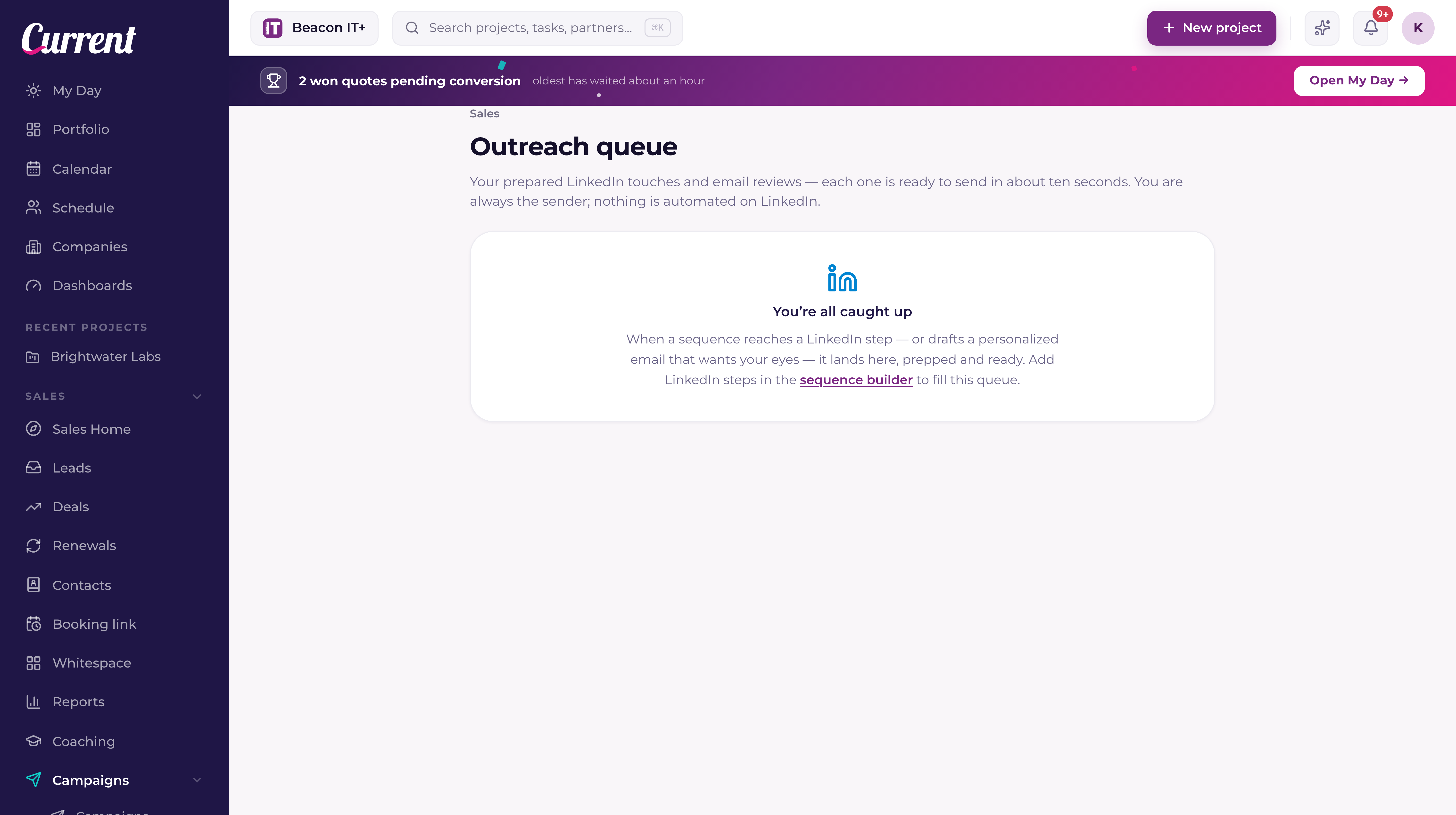
Open Sales → Outreach (My Day also shows a card when touches are waiting). For a connection request: Copy note, Open profile, paste, send, then tap Invite sent. The card moves to "Awaiting their answer", when you see an accept or a reply, one tap tells the sequence. Accepted unlocks the message step. Replied ends the sequence and hands you the conversation, the same as an email reply. Declined or silence just means the sequence continues on schedule, a connect step waits a set number of days (five by default), and then moves on by itself.
AI writes each touch for the person it's going to
With AI writing on (each LinkedIn step has the switch), every note and message is drafted fresh per contact from what Current already knows: their role and company, your email history with them, and enrichment data. The text you write on the step is the starting point and the fallback. If AI is unavailable or the record is too thin, your version goes out instead. The AI is grounded: it only uses facts from the record, and it never invents names, numbers, links, or offers. LinkedIn steps the AI builder writes start with AI writing off, so the text on the step goes out word for word until you switch it on.
Personalized emails, with training wheels
Email steps get the same idea. Each email step has a personalization picker with two settings: Off sends your exact template, and Opening line keeps your subject and your body word-for-word and adds one or two opening sentences written for that person from what your CRM knows about them. Where they go is up to you: put the {{personalization}} tag on its own line after your greeting (the AI builder writes every email this way, and the tag is in the Personalize palette for steps you write by hand) and the sentences land exactly there. While Opening line is on, the tag has to be in the email: if it is missing, the step shows a warning and the sequence won't save until you either add the tag (one click puts it after your greeting) or turn personalization off for that email. When personalization is off, or the AI has nothing real to say about someone, the tag disappears and your plain email sends. Emails the AI builder writes start with personalization Off, with the tag already in place, so switching it on is one click. Email steps you add by hand start on Opening line. The earlier Full adapt setting, which rewrote the whole email, has been removed.
The first five personalized emails in each sequence wait in Outreach for a quick review, approve, edit, send your plain version, or skip. After five approvals the sequence sends hands-off. If a preview sits unreviewed for three days, your plain template sends instead, so a busy week never stalls a sequence.
Goals and conversion
Every sequence can declare what success means: book a meeting, start a conversation, or share information. The AI writes every touch toward that outcome, and the sequence report shows the LinkedIn numbers next to it, invites sent, accept rate, LinkedIn replies, and meetings booked. When a contact books time through your booking page while enrolled, Current counts the conversion, exits them from the sequence, and sends you the good-news bell.
Building sequences is open to everyone with CRM access. You build and run your own, and sales leadership can manage everyone's. See "The sequence engine" for enrollment, caps, and exits, which all apply to LinkedIn steps too.