
The How do I… tab: help beside every page
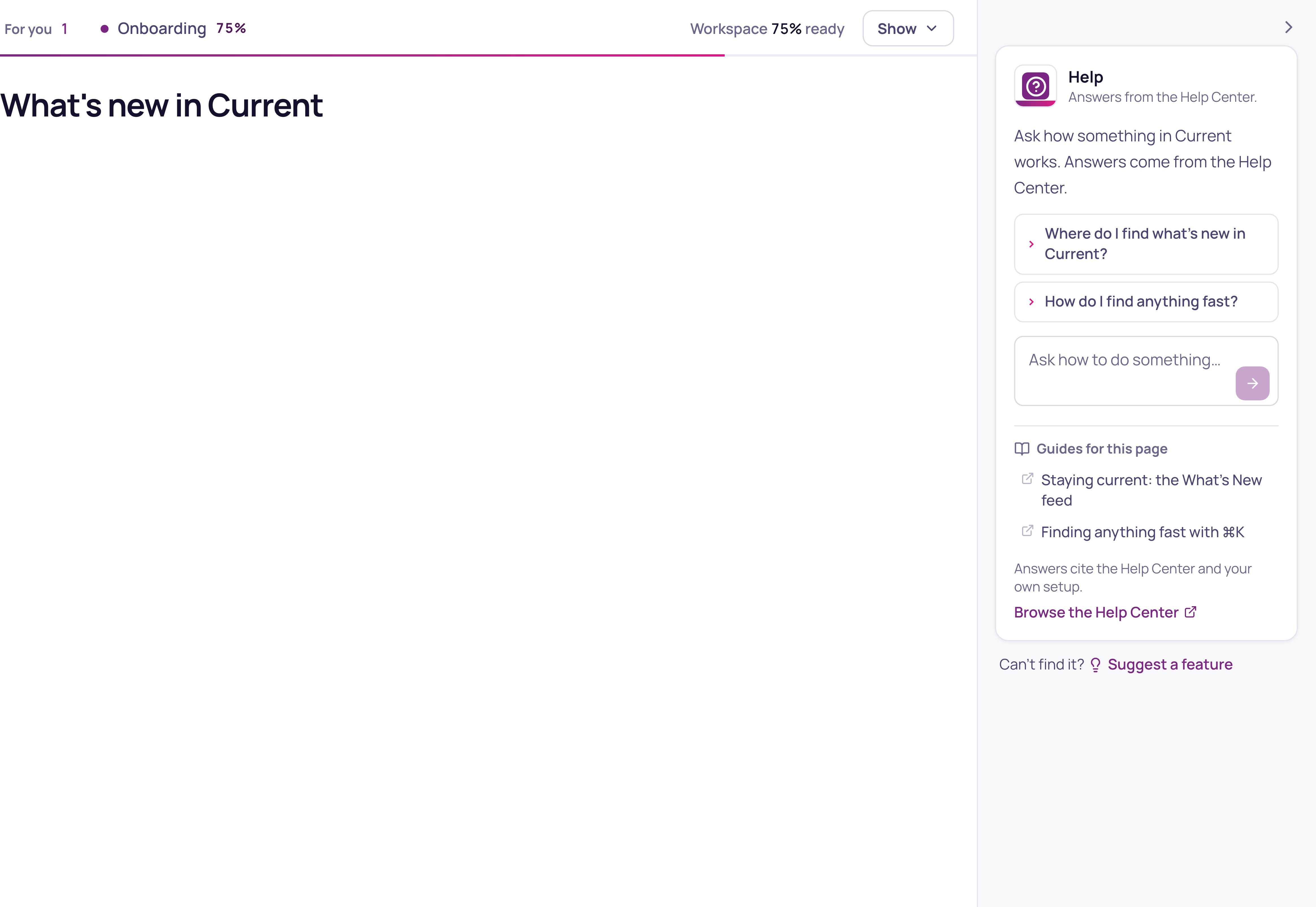
On a computer, a tab with a question mark sits at the top of the right edge of every page in Current, labelled How do I…. Press it to open Help beside the page you are on. Help answers how Current works, from the Help Center: where a setting lives, what a screen does, how to set something up.
Help or Ask Current: which one to use
| You want to | Use |
|---|---|
| Know how to do something in Current | The How do I… tab on the right (Help) |
| Find a record, or ask about your own customers, tickets, opportunities and time | The Search or ask Current box at the top (Ask Current) |
| Create a ticket, a to-do or a note from one sentence | The Search or ask Current box at the top |
Help reads the Help Center only, never your workspace's records. Ask Current reads the records your role can open. Until October 20, 2026 the tab on the right was also called Ask Current, which made the two easy to mix up.
Using it
Help suggests a few questions about the page you are on, and the box takes your own. An answer stays on screen while you move to another page to follow it, and when it names a page of Current, such as Settings › Security, that name is a link that opens the page in the same window.
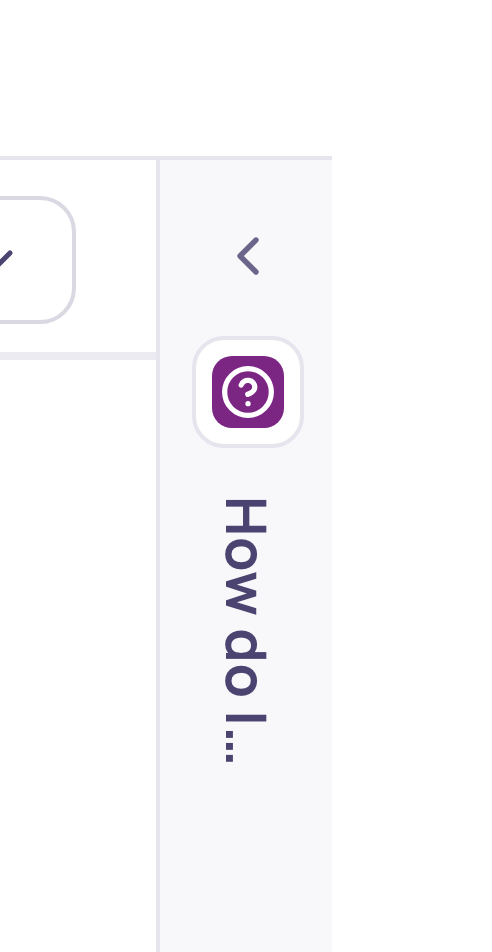
It starts closed. Press the arrow in its top corner to close it again, and Current remembers your choice on every device. Where the page has no room beside it, the tab opens Help as a panel over the page instead. On a phone there is no tab; use the box at the top.
Can't find what you need? Press Suggest a feature, under the box, to ask us for it. It opens the feature request board in a new tab with the suggestion form ready, and your question as the title if one is showing. Nothing is posted until you press Post idea.